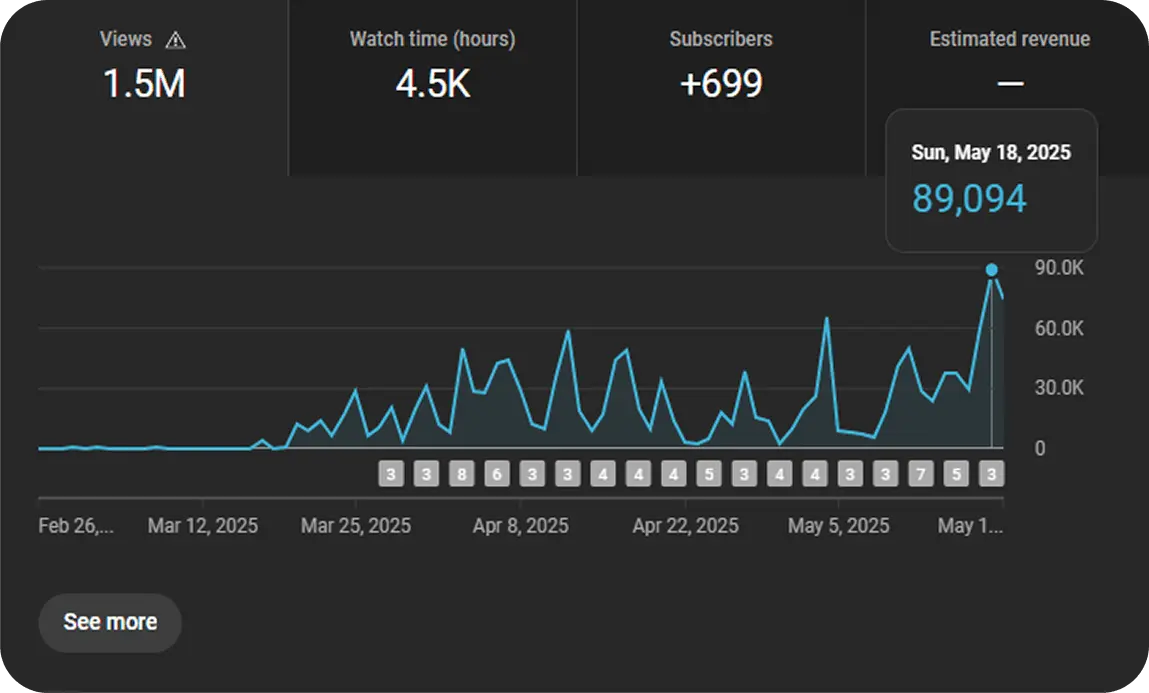
The Beginner's Guide to YouTube Analytics
Your YouTube Analytics dashboard can be intimidating, but it's the most powerful tool you have for channel growth. This guide will demystify the key metrics and teach you how to turn data into actionable insights.
Where to Find Your YouTube Analytics
You can find your analytics by going to YouTube Studio (click your profile picture > YouTube Studio). On the left-hand menu, click on "Analytics". This will take you to your main channel dashboard.
The 3 Most Important Metrics to Track for Growth
Don't get overwhelmed by the dozens of data points. For beginners, growth comes down to mastering the relationship between these three core metrics.
1. Reach: Impressions and Click-Through Rate (CTR)
Impressions are how many times YouTube has shown your video's thumbnail to a user. Click-Through Rate (CTR) is the percentage of those people who actually clicked to watch. A high CTR tells YouTube that your topic and thumbnail are compelling.
What to do if your CTR is low? Your title or thumbnail isn't grabbing attention. Try making the text on your thumbnail bigger, using a more expressive face, or writing a more curiosity-driven title.
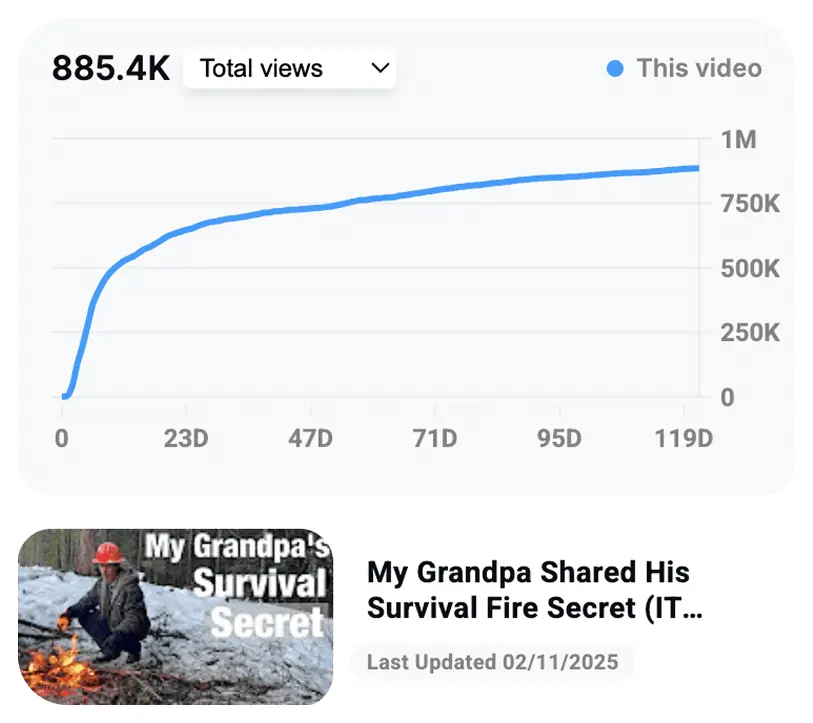
Understanding your reach and click-through rate is step one.
2. Engagement: Watch Time and Audience Retention
Watch Time is the total amount of time people have spent watching your video. This is YouTube's #1 ranking factor. Audience Retention shows you, second-by-second, what percentage of viewers are still watching. A high retention rate tells YouTube that your video is satisfying the viewer.
What to do if your Audience Retention is low? Look at your retention graph. Is there a big drop in the first 30 seconds? Your intro might be too long. Is there a dip in the middle? You may have gone off-topic. Analyze where people are leaving and fix it in your next video.
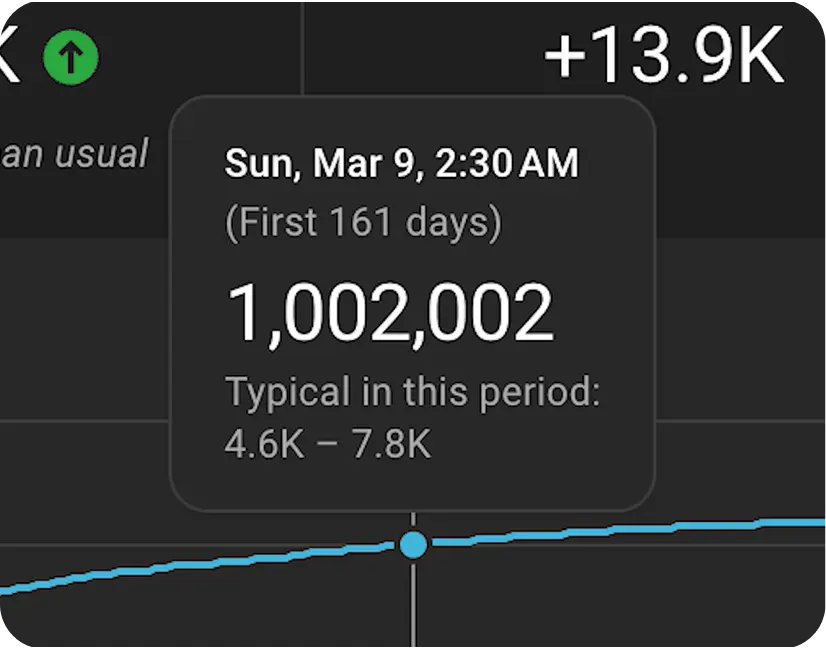
3. Audience: Who is Watching Your Videos?
The 'Audience' tab tells you about the demographics of your viewers (age, gender, geography) and, most importantly, what other videos and channels they watch. This is a goldmine for understanding your audience's interests and finding potential collaboration partners.
How to Find Video Ideas in Your Analytics
Your own data is the best source for new video ideas. Look at the "Traffic Sources" for your top-performing videos. If you see that a video is getting a lot of views from "YouTube Search," look at the exact search terms people are using to find it. These are keywords you should create more content around.
Using VidIQ to Simplify Your Analytics
While YouTube Analytics is powerful, it can be hard to know what to do with the data. VidIQ simplifies this by providing context and actionable next steps.
Instead of just showing you a number, VidIQ's tools (like the Channel Audit and Trend Alerts) tell you what the data *means* and what you should do about it. It connects your analytics directly to your content strategy, helping you make smarter decisions faster.